

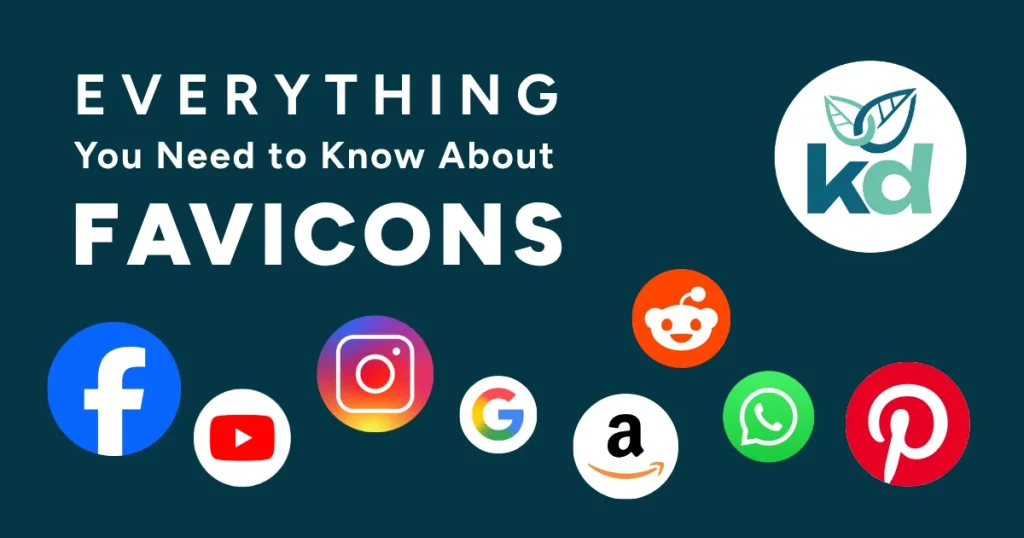
A favicon, short for favourite icon, is the tiny image that appears next to a website’s name on a browser tab.
While it might seem small and unimportant, that cute little square, typically just 16×16 or 32×32 pixels, is a big part of your brand’s online presence and visibility.
A favicon shows up in several places:
- On your browser tab
- In your bookmarks
- On your history list
- On mobile browser tiles and app shortcuts
Your favicon is like your website’s ID; it helps users visually identify your brand, like a virtual shop sign that lets passersby know who and where you are.
Why do You Need a Favicon?
Even though it’s tiny, a favicon adds a level of polish and professionalism to your website and helps instil trust in visitors.
Here’s why favicons matter:
- Brand Recognition: A consistent, recognisable icon reinforces your brand’s visual identity.
- User Experience: A favicon makes it easier for users to find your page amongst the sea of open tabs we often end up with by the end of the day.
- Credibility: A site without a favicon can appear unfinished or untrustworthy to some visitors. A bit like when someone’s social media profile doesn’t have a profile photo, who are they?!
- Mobile-Friendly: Favicons also appear when someone adds your website to their home screen, helping your brand stand out on their phone.
How to Make a Favicon
Creating a favicon might seem fiddly, but it’s worth it.
Here’s how to make yours fav-tastic:
- Keep it simple: Tiny graphics need to be bold and clear.
- Stick to your brand colours or use a simplified version of your logo.
- Make sure it’s recognisable even at a small size.
- Use a square format and export it as a compatible file type, such as .ico, .png, or .svg.
How to Add a Favicon to Your Website
Once you’ve designed your favicon, you can add it to your website by including a simple piece of code in your site’s header: <link rel="icon" href="favicon.ico" type="image/x-icon">
Many website builders and content management systems have a quick way to upload favicons, too, so it’s often as easy as a few clicks.